Learning how to translate Kannada letter to English can feel overwhelming when you are staring at a handwritten note, an official document, or a personal letter filled with the beautiful curves of the Kannada script. Maybe you received a letter from a relative back in Karnataka. Maybe you found an old family document. Whatever the reason, you need the meaning, and you need it to be right.
The challenge is real: Kannada has 49 letters in its alphabet, complex compound characters called ottaksharas, and a sentence structure that does not line up neatly with English. A bad translation can completely change the meaning of a personal message or mess up an important legal form.
Quick Answer: The most reliable way to translate a Kannada letter to English is to use Google Translate’s camera feature for printed text, or manually type the text into Google Input Tools if the letter is handwritten, then cross-check the English output by translating it back to Kannada.
Understanding the Real Difficulty of Kannada Script
Written Kannada is an abugida, a writing system where consonant-vowel sequences are written as a single unit. That technical detail matters for a practical reason: a single Kannada character often packs the meaning of two or three English letters. When you run this script through translation software, the tool has to first recognize the character, then map it to meaning, and then reconstruct that meaning in a completely different grammar system.
Kannada verbs come at the end of the sentence. English verbs sit in the middle. This structural gap means direct, word-for-word translation produces gibberish. A sentence like “Naanu ninnage pustaka kottidde” translates word-by-word to “I to you book had given.” A proper translation rearranges that to “I had given the book to you.”
The script also uses ottaksharas, where two or more consonants combine into a single compound character. A typical Kannada letter might have dozens of these. If the translation tool misreads one, the entire word collapses. This is why generic translation apps that were not built with Indic scripts in mind often fail spectacularly with Kannada.
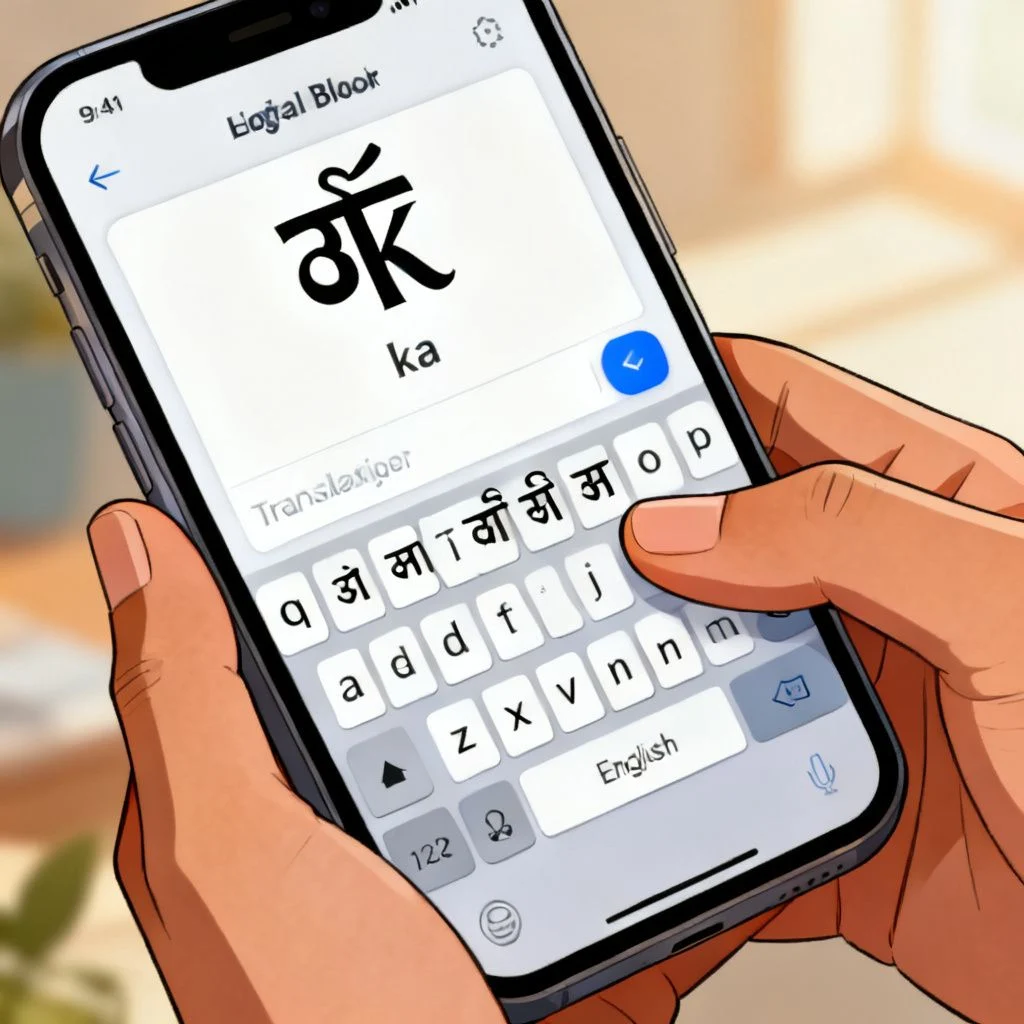
Best Tools to Translate Kannada Letter to English
You have three solid approaches, and the right one depends entirely on the format of your letter. A printed document is a different problem from a handwritten one.
| Tool | Best For | Accuracy | Cost |
|---|---|---|---|
| Google Translate (Camera Mode) | Printed text, signs, clear fonts | High for simple sentences | Free |
| Google Input Tools + Translate | Handwritten letters you can manually type | Highest, since you control the input | Free |
| Microsoft Translator | Longer documents, PDFs | High, supports document upload | Free |
| Kannada OCR apps (e.g., Kannada OCR by Indic) | Scanned printed documents | Moderate, depends on scan quality | Free/Paid |
| Professional human translator | Legal, official, or sensitive documents | Near-perfect | Paid |
Pro Tip: If you are translating a handwritten letter, skip the camera-based tools entirely. Even the best OCR struggles with handwriting in any language. Manually typing the text will give you far better results.
Google Translate Camera for Instant Translation
Open the Google Translate app on your phone. Tap the camera icon. Point it at the printed Kannada letter. The app overlays the English translation directly onto the image in real time.
This works brilliantly for printed menus, street signs, and typed letters. The key limitation: the app needs a steady hand and good lighting. If the text is in an unusual font or the paper is creased, accuracy drops fast. For a one-page typed letter, this method takes under a minute and gives you the gist immediately.
Manual Typing with Google Input Tools
For handwritten letters, this is your best free option. Visit the Google Input Tools website and select Kannada as your input language. A virtual keyboard appears. You can also install the Kannada keyboard on your phone through your device’s language settings.
Type out the letter exactly as you see it, character by character. This takes time, but you are training your eye to recognize the script, and you catch subtle marks that OCR would miss. Once the full Kannada text is in a digital format, copy it into Google Translate and get the English output.
Pro Tip: After getting the English translation, copy that English text, swap the language direction in Google Translate, and translate it back to Kannada. Compare the new Kannada output with the original text. If they are drastically different, your initial translation probably missed something.
Step-by-Step Process for Accurate Results
Follow this workflow to minimize errors, especially when the letter matters. Rushing straight to a single translation click is how embarrassing mistakes happen.
- Assess the letter format. Is it a clear printed document, a blurry scan, or handwriting? This determines your starting tool.
- Digitize the Kannada text. Use the camera for printed text, or manually type for handwriting. Do not skip this step by trying to read and summarize.
- Run the first translation. Paste the Kannada text into Google Translate or Microsoft Translator. Read the English output once without judgment, just to get the overall flow.
- Identify the tricky parts. Look for sentences that do not make sense in English. These are usually the places where Kannada idioms, compound words, or cultural references got mangled.
- Use the back-translation check. Translate the English output back to Kannada. If the new Kannada text differs significantly from the original, isolate that sentence and try alternative phrasings.
- Consult a Kannada speaker for confirmation if possible. Even a five-minute check with a friend or a forum like Reddit’s r/kannada can catch errors that no software will flag.
What you are doing here is building a human review loop around machine translation. The machine handles the heavy lifting. Your judgment handles the nuance.
Common Translation Pitfalls and How to Avoid Them
Kannada carries cultural weight that English often flattens. A single word like “namaskara” can mean hello, greetings, or a formal salutation depending on context. A machine usually picks “hello” and moves on, losing the formality.
Formal vs. informal address trips up translators constantly. Kannada uses different verb forms based on the relationship between speaker and listener. A letter to an elder uses respectful verb endings. The English translation will not show this respect level, and you might miss an important social cue.
Regional dialect words appear frequently in personal letters. North Karnataka Kannada uses words that differ from the Mysore region. Standard translation tools are trained mostly on formal, written Kannada. A colloquial phrase from Dharwad might produce nonsense in English.
Compound words in Kannada can stretch to impressive lengths. A single word might combine three or four root words. The translator often breaks these apart incorrectly. If you see a very long, nonsensical English word in your output, look at the original Kannada and try to identify where the natural word breaks might be.
Pro Tip: Keep a small list of common Kannada words that have multiple English meanings. Words like “bega” (soon/quickly), “sari” (okay/correct/saree), and “kade” (side/shop/towards) shift meaning based on the sentence. When your translation feels off, check if one of these multi-meaning words is the culprit.
Key Takeaways
- Camera-based translation works well for printed Kannada text but fails on handwriting, where manual typing is far more accurate.
- The word order difference between Kannada (SOV) and English (SVO) means you should never trust a word-for-word translation.
- Back-translation, converting the English output back to Kannada, is the single most effective error-checking technique you can use.
- Cultural context, formality levels, and regional dialect words often get lost in machine translation and require human judgment to interpret.
- For legal, medical, or official documents, a professional human translator remains the only safe choice, as mistranslation carries real consequences.
Frequently Asked Questions
Q: Can I use Google Translate to translate a handwritten Kannada letter?
A: Google Translate’s camera feature struggles with handwriting in most scripts, including Kannada. You will get better results by manually typing the handwritten text into Google Input Tools and then translating the digital text.
Q: What is the best free tool to translate Kannada letter to English?
A: Google Translate offers the most comprehensive free solution. Its camera mode handles printed text, and its text input handles manually typed Kannada. Microsoft Translator is a strong alternative for longer documents.
Q: How accurate is machine translation for Kannada to English?
A: For simple, straightforward sentences, accuracy can reach 80-90%. For complex sentences, idioms, or culturally specific content, accuracy drops significantly. A back-translation check helps identify where the machine likely made errors.
Q: Are there any offline tools to translate Kannada to English?
A: Google Translate allows you to download the Kannada language pack for offline text translation. The camera-based live translation, however, requires an internet connection.
Q: How do I type Kannada characters on my phone or computer?
A: On Android and iOS, you can add the Kannada keyboard through your device’s language and input settings. On a computer, Google Input Tools provides a web-based Kannada keyboard that works in any browser.
Q: What should I do if the translation does not make any sense?
A: Break the Kannada text into smaller, individual sentences and translate each one separately. This reduces the chance of the translator getting confused by long, complex structures. Then use the back-translation method to verify each sentence.
Q: Can I translate a scanned PDF of a Kannada letter?
A: Yes. First, use an OCR tool that supports Kannada, such as Google Drive’s built-in OCR or a specialized Kannada OCR app, to extract the text. Then paste the extracted text into a translation tool. Be prepared to correct OCR errors before translating.
Q: Is there a difference between formal and informal Kannada in translation?
A: Yes, and machine translation usually does not preserve this distinction. Kannada uses different verb endings and pronouns for formal versus informal address. A human reader must infer the relationship and tone from the context, as the English output will typically default to neutral phrasing.
References & Further Reading
- Google Translate Kannada Language Support – Official Google Translate page with Kannada as a supported source language.
- Google Input Tools – Free web-based tool for typing in Kannada and other Indic scripts.
- Microsoft Translator for Kannada – Microsoft’s translation platform, which includes Kannada and supports document uploads.
- Kannada Script on Omniglot – A detailed reference on the structure of the Kannada alphabet and writing system, useful for understanding why translation is technically challenging.
About This Article: This guide is written based on practical testing of available translation tools with real Kannada-language documents and letters, combined with an understanding of the linguistic differences between Kannada and English that affect machine translation accuracy. The recommended workflow reflects the process used by language learners and professionals who regularly work with Indic scripts.







