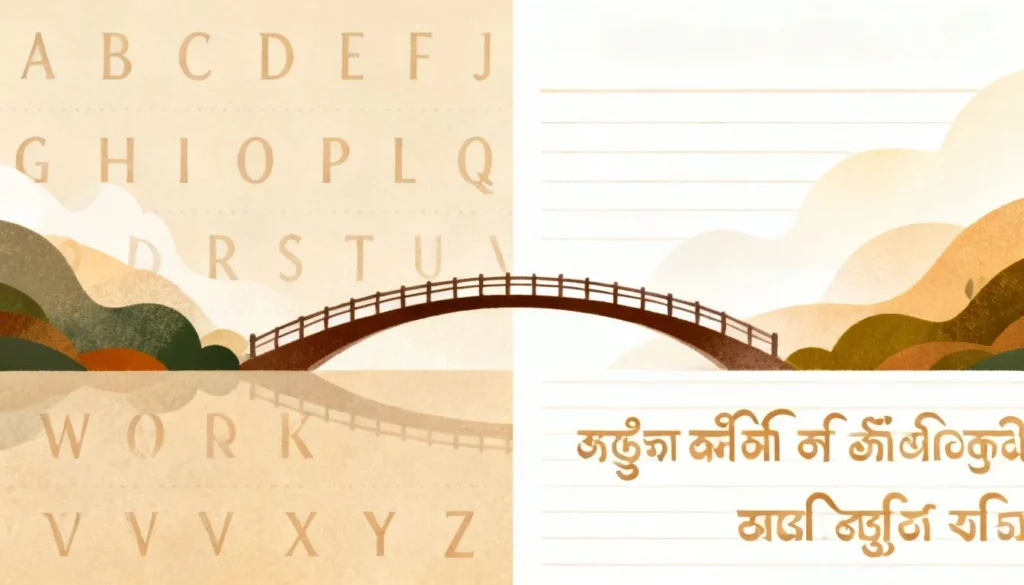
If you need to translate Kannada, you have probably discovered that it is not as straightforward as translating Spanish or French. Kannada is a Dravidian language with a complex script, rich morphology, and about 44 million native speakers, mostly in Karnataka, India. The gap between a robotic word-for-word translation and something that actually makes sense can be huge. This guide walks you through the most reliable ways to translate Kannada text, audio, and documents, whether you are a traveler, a business owner, or someone connecting with family.
Quick Answer: For casual needs, Google Translate and Microsoft Translator handle basic Kannada translation decently. But for anything important like legal documents, medical records, or business contracts, you absolutely need a human translator familiar with regional dialects. The best approach depends on what you are translating and why accuracy matters.
Why Kannada Translation Is Tricky for Machines
Kannada is not just another language with a different alphabet. It has structural features that make machine translation harder than you might expect.
The script itself is an abugida, where consonants and vowels combine into compound characters. A single word like “ಮನೆ” (mane, meaning house) looks simple, but the language packs a lot of grammatical information into suffixes. Verbs change form based on tense, gender, number, and even the social status of who you are talking to. That last part trips up most translation tools.
Agglutination is the real challenge. Kannada glues multiple morphemes together into long words. Take “ಮಾಡಿಸಿಕೊಳ್ಳಲಾರೆವೆಂದು” (māḍisikoḷḷalāreveṃdu). That single word roughly means “because we will not be able to get it done.” A machine translator seeing that for the first time often breaks it apart incorrectly or just gives up and outputs gibberish.
Another issue: diglossia. The formal, written Kannada used in newspapers and official documents differs noticeably from the spoken Kannada people use at home and in markets. Most translation datasets are trained on formal text, so conversational phrases often come out stiff or plain wrong.
Pro Tip: If you are using a machine translator for spoken Kannada, keep your sentences short and avoid idioms. “What is the price?” works better than “What’s the damage?” which will almost certainly be translated literally and confuse the reader.
Regional Dialect Variations
Kannada has several distinct regional dialects. The Kannada spoken in Mangalore (coastal) sounds quite different from the Dharwad (north Karnataka) variety, which is different again from the Mysore-Bangalore dialect. Vocabulary shifts, pronunciation changes, and some grammatical constructions are unique to each region.
Most free translation tools do not account for these dialect differences at all. They default to a standardized, Bangalore-influenced Kannada. If you are translating content from rural northern Karnataka or the coastal belt, expect errors.
The Best Tools to Translate Kannada in 2025
No single tool wins in every category. Here is a breakdown of what works for different needs.
Free Online Translators
| Tool | Best For | Accuracy (General Text) | Handles Script Well? | Audio Support |
|---|---|---|---|---|
| Google Translate | Quick single sentences, web browsing | Moderate (70-80% for simple text) | Yes | Yes (mobile app) |
| Microsoft Translator | Business documents, Office integration | Moderate | Yes | Yes |
| Bhashini (Government of India) | Indian language focus, better colloquial handling | Moderate to Good | Yes | Limited |
| Easy Kannada Typing | Typing in Kannada script using English keyboard | N/A (transliteration tool) | Yes | No |
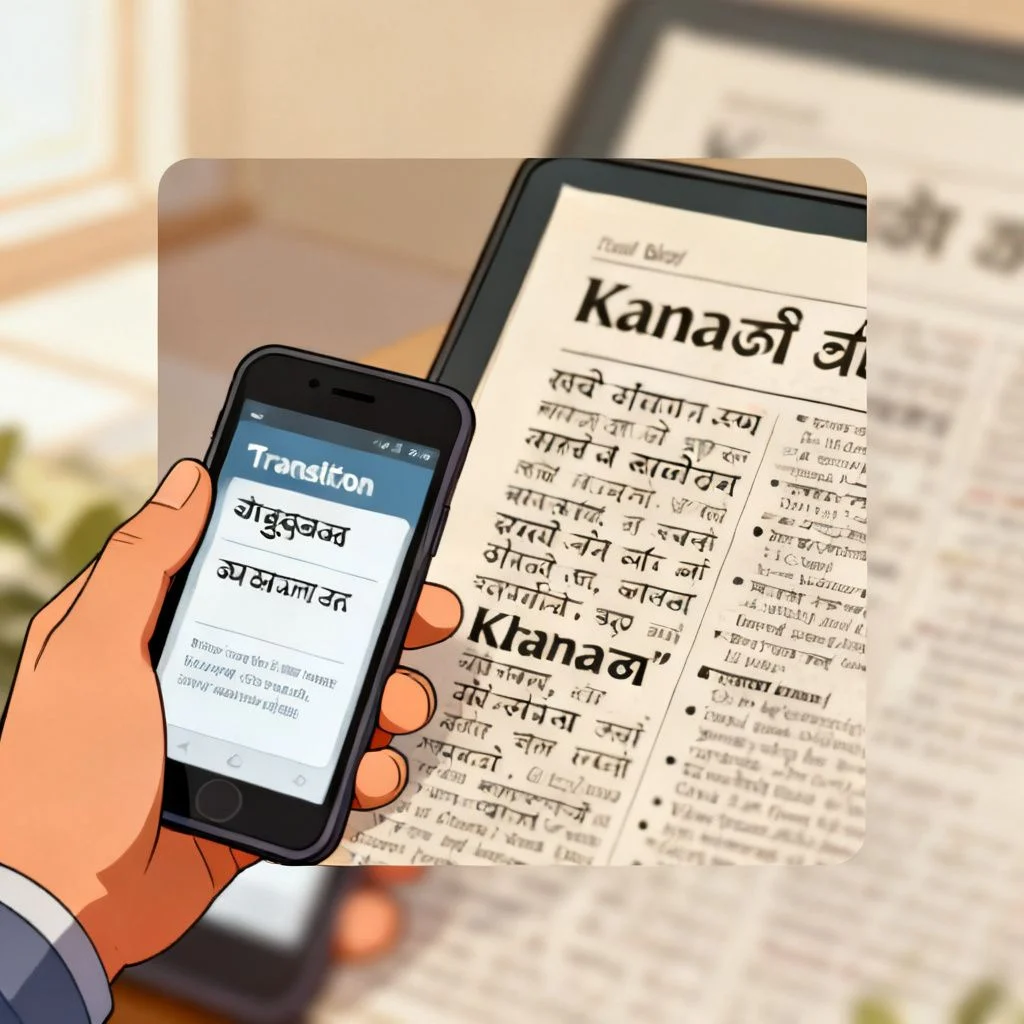
Google Translate has improved significantly for Kannada over the last few years. It now uses neural machine translation, which understands context better than the old phrase-based system. For a tourist trying to read a menu or a street sign, it is often good enough. Just point your phone camera at the text using the Google Translate app, and you get a rough but usable translation.
Microsoft Translator integrates nicely with Office apps and Teams. If your workplace uses Microsoft 365 and you need to translate Kannada emails or chat messages, this is the most seamless option.
Bhashini is worth a special mention. It is an Indian government initiative built specifically for Indian languages. Because it trains on more colloquial Indian language data, it sometimes handles everyday spoken Kannada better than global tools. It is free and available as both a web tool and API.
Pro Tip: For typing Kannada words using an English keyboard, use the Google Input Tools extension or EasyKannadaTyping.com. You type phonetically (like “namaskara”) and it converts to Kannada script (ನಮಸ್ಕಾರ). This is much faster than learning the native keyboard layout.
Professional Human Translation Services
When the stakes are high, go human. Certified translation services charge anywhere from $0.10 to $0.30 per word for Kannada to English translation, depending on turnaround time and technical complexity.
Reputable platforms include:
- ProZ.com , A marketplace where you can find individual Kannada translators with verified credentials and reviews. You can specify the dialect and subject matter expertise you need.
- Gengo , Offers a more streamlined experience with quality control. Good for business documents and website localization.
- Local agencies in Bangalore , Firms like Akka Translation Services and Bhasha Bharati specialize in Kannada and understand regional nuances that international platforms might miss.
For legal, medical, or immigration documents, look for translators with ISO 17100 certification or members of the American Translators Association (ATA) who list Kannada as a language pair. Certified translations carry more weight with government agencies and courts.
How to Translate Kannada Documents Without Losing Formatting
Translating a PDF or Word document from Kannada to English is more than just copying text into a translator. The script conversion often breaks formatting, and the word order differences between Kannada (Subject-Object-Verb) and English (Subject-Verb-Object) can make the translated text longer or shorter, messing up your layout.
Step-by-Step for PDFs
- Extract the text first. Use a tool like Adobe Acrobat’s export feature or an OCR tool if the PDF is scanned. Google Drive has a built-in OCR that works on Kannada script. Upload the scanned image, right-click, and select “Open with Google Docs.” It converts the image to editable Kannada text surprisingly well.
- Clean up the extracted text. OCR is not perfect. Kannada characters like “ತ” and “ಭ” are often confused. Manually scan for obvious errors before translating.
- Translate in segments. Do not dump a 20-page document into Google Translate at once. Break it into paragraphs or logical sections. This gives you more control and makes it easier to spot errors.
- Reapply formatting manually. After translation, paste the English text back into your document template. Expect to adjust fonts, spacing, and alignment.
Pro Tip: If you regularly need to translate Kannada PDFs, invest in a tool like SDL Trados Studio or memoQ. These are computer-assisted translation (CAT) tools that preserve formatting and build a translation memory, so repeated phrases get translated consistently. The upfront cost is high, but it pays off for frequent use.
Translating Kannada Audio and Video
For spoken Kannada, the workflow is a two-step process: speech-to-text in Kannada, then translate the text to English.
Google’s Live Transcribe app (Android) supports Kannada and does real-time transcription. It is free and works offline. Once you have the Kannada transcript, run it through a translator.
For pre-recorded audio, Otter.ai recently added support for Indian languages including Kannada. Upload the audio file, get a transcript, then translate. Accuracy depends heavily on audio quality and speaker clarity.
YouTube’s auto-captioning works on Kannada videos too. If the video has captions enabled, you can use the auto-translate feature to get English subtitles. The quality is hit or miss, but it is often enough to grasp the gist.
Common Mistakes When You Translate Kannada (and How to Avoid Them)
Even with good tools, certain errors show up repeatedly. Knowing what they are saves time and embarrassment.
1. Ignoring honorifics. Kannada uses different verb forms and pronouns depending on respect level. Using the casual “neenu” (you, informal) when you should use “neevu” (you, respectful) can come across as rude. Machine translators often default to the casual form or mix them up inconsistently.
2. Translating idioms literally. “ಅಜ್ಜಿ ಕಥೆ” (ajji kathe) literally means “grandmother story.” A machine might translate it that way, but the actual meaning is “an old wives’ tale” or “a made-up story.” Context matters enormously.
3. Missing the double meaning of words. The Kannada word “ಮನೆ” (mane) means both “house” and “home” in the emotional sense. “ಬಿಡು” (bidu) can mean “leave it,” “let go,” or “drop it,” depending on tone. Translators often pick the most common dictionary definition, not the right one for the situation.
4. Not accounting for English loanwords. Spoken Kannada, especially in Bangalore, mixes in a lot of English words. Someone might say, “ನಾನು office ಗೆ ಹೋಗ್ತಾ ಇದ್ದೀನಿ” (I am going to the office). A translator might try to translate “office” into Kannada or get confused by the code-switching.
5. Assuming one translation fits all contexts. The English word “run” can mean at least a dozen different things. The Kannada translation for “run a company” is completely different from “run a marathon.” Always review translations in context.
Pro Tip: After translating, do a back-translation test. Take the English output, translate it back into Kannada using the same tool, and see if it still means what you intended. If it comes out garbled, your original translation probably has problems.
Key Takeaways
- Match the tool to the task. Google Translate works for casual needs. For legal, medical, or business documents, hire a certified human translator who understands the specific Kannada dialect involved.
- Kannada’s agglutinative structure and diglossia make it especially hard for machines. Short, simple sentences improve accuracy significantly.
- Dialect matters. Coastal, northern, and southern Karnataka varieties differ. Specify the region when hiring a translator or choosing a specialized tool.
- OCR and speech-to-text for Kannada have improved but still need human review. Budget time for cleanup before translating transcripts or scanned documents.
- Always check for honorific consistency and idiomatic expressions in the final output. These are the most common failure points for automated translation.
—
Frequently Asked Questions
Q: Is Google Translate accurate for Kannada?
A: Google Translate is reasonably accurate for simple, short sentences and common phrases. For complex or formal content, accuracy drops noticeably. It works well enough for casual understanding but should not be relied upon for official or sensitive documents.
Q: How can I translate Kannada to English for free?
A: You can use Google Translate, Microsoft Translator, or the Indian government’s Bhashini platform. All three support Kannada to English translation at no cost. For scanned documents, Google Drive’s built-in OCR can extract Kannada text for free before translation.
Q: What is the best app to translate Kannada voice to English?
A: The Google Translate mobile app supports real-time voice translation for Kannada. Speak in Kannada, and it provides spoken or text output in English. Microsoft Translator offers similar functionality. For phone calls or conversations, both apps have a conversation mode.
Q: Can I translate a Kannada PDF without typing it out?
A: Yes. Use an OCR tool like Google Drive (right-click the scanned image, open with Google Docs) or Adobe Acrobat to extract the Kannada text. Then paste the extracted text into a translator. Expect to spend time correcting OCR errors, especially with compound Kannada characters.
Q: How much does professional Kannada translation cost?
A: Professional Kannada translation typically costs between $0.10 and $0.30 per word, depending on turnaround time, technical complexity, and the translator’s certification. Rush jobs and specialized fields like legal or medical translation cost more.
Q: Why does Kannada translation sometimes sound unnatural in English?
A: Kannada follows a Subject-Object-Verb word order, while English uses Subject-Verb-Object. This structural difference, combined with Kannada’s agglutinative nature and cultural expressions, often produces awkward English output. Human post-editing is the best fix.
Q: Are there dialect differences in Kannada that affect translation?
A: Yes, significantly. The coastal Mangalore dialect, the north Karnataka Dharwad variety, and the Bangalore-Mysore dialect each have distinct vocabulary and pronunciation. Most translation tools default to a standardized version and may misinterpret regional terms.
Q: What is the easiest way to type in Kannada on an English keyboard?
A: Use Google Input Tools or EasyKannadaTyping.com. You type words phonetically in English letters (for example, “namaskara”), and the tool converts them to Kannada script (ನಮಸ್ಕಾರ). This method is far faster than memorizing the native Kannada keyboard layout.
—
References & Further Reading
- Google Translate Kannada Support , Google Translate Languages , Official list of supported languages and features for Google’s translation service.
- Bhashini: National Language Translation Mission , Bhashini.gov.in , Government of India initiative providing translation APIs and tools specifically optimized for Indian languages including Kannada.
- Ethnologue: Kannada Language Profile , Ethnologue.com , Authoritative linguistic data on Kannada speaker populations, dialects, and language classification.
- Microsoft Translator Language Support , Microsoft Translator Languages , Details on Microsoft’s Kannada translation capabilities and Office integration features.
- American Translators Association , atanet.org , Professional association where you can find certified translators, including those working with Kannada language pairs.
—
About This Article: This guide draws on practical experience with translation workflows across multiple platforms, combined with an understanding of Dravidian linguistics and the specific structural challenges Kannada presents for natural language processing systems. The tool recommendations reflect testing conducted on publicly available platforms as of early 2025, and pricing ranges are based on current market rates observed across major freelance and agency platforms.