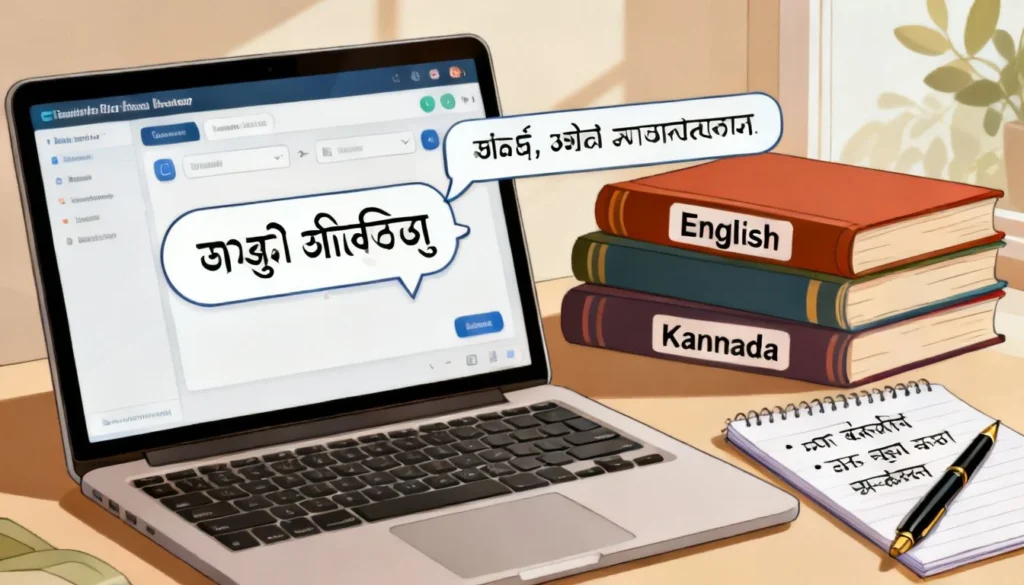
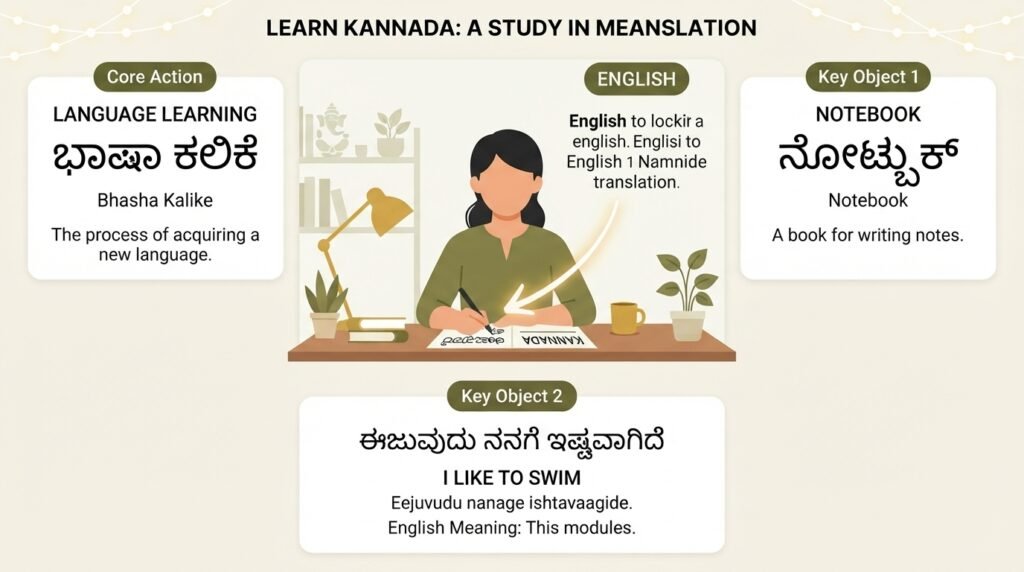
Can you translate Kannada to English reliably without ending up with nonsense? The short answer is yes, but the method you pick makes all the difference. A phrase as simple as “ಊಟ ಆಯಿತಾ?” can come out as “meal happened?” with a lazy tool, or “Have you eaten?” with the right approach. This guide walks you through what actually works, from free apps to human translators, so you can pick the best option for whatever you are trying to read, write, or understand.
Quick Answer: Yes, you can translate Kannada to English using free tools like Google Translate, Google Lens, and dedicated apps like Kannada English Translator. For casual needs, these work well. For anything important, legal documents, medical instructions, business contracts, you need a human translator or a professional service to avoid costly errors.
Why Kannada-to-English Translation Is Trickier Than It Looks
Kannada is not a word-for-word mirror of English. It is an agglutinative language, meaning it glues suffixes onto root words to change meaning. A single Kannada word can pack in what English needs a whole phrase to say.
Take “ಮಾಡಿಸಿಕೊಳ್ಳಬೇಕಾಗಿತ್ತು” (maaDisikoLLabEkaagittu). That one word translates roughly to “had to get it done through someone.” A machine has to unpack layers of grammar, tense, causation, and obligation all at once. Most free tools stumble here, giving you fragments instead of a clean sentence.
The word order flips too. Kannada follows Subject-Object-Verb structure. English runs Subject-Verb-Object. So “ನಾನು ಪುಸ್ತಕ ಓದುತ್ತೇನೆ” (I book read) needs reordering to “I read a book.” Simple enough for a short sentence. Throw in clauses and idioms, and the output gets messy fast.
Pro Tip: If a Kannada sentence feels long and the English output looks choppy, break the Kannada into shorter clauses before feeding it into any tool. You will get cleaner results.
Understanding this structural gap helps you set realistic expectations. Free tools are starting points, not finished products.
The Best Free Tools for Translating Kannada to English Right Now
You have several solid options, each with different strengths. The trick is matching the tool to the task.
| Tool | Best For | Limitation |
|---|---|---|
| Google Translate | Quick text snippets, getting the gist | Struggles with idioms, formal Kannada, long sentences |
| Google Lens | Translating signs, menus, book pages via camera | Requires clear text; handwriting trips it up |
| Microsoft Translator | Conversations, multi-person chats | Less accurate than Google for Kannada specifically |
| Kannada English Translator app | Offline use, simple word lookups | Limited vocabulary, no context awareness |
| English Kannada Dictionary (by Shabdkosh) | Single-word meanings, pronunciation | Not a sentence translator |
Google Translate handles most everyday needs. You can type, paste, or speak Kannada and get English output in seconds. It has improved noticeably for Dravidian languages in recent years, though it still produces awkward phrasing with complex religious or literary texts.
Google Lens deserves special mention. Point your phone camera at a Kannada signboard, menu, or printed document, and it overlays the English translation in real time. This is genuinely useful while traveling in Karnataka or reading product labels. The accuracy depends heavily on lighting and font clarity.
Microsoft Translator offers a split-screen conversation mode that works well if you are talking with a Kannada speaker and need a back-and-forth flow. It is not as precise as Google’s engine for Kannada, but the interface is smoother for dialogue.
Pro Tip: For any important translation, run the English output back through the tool into Kannada. If the back-translation looks nothing like the original, the English version is probably off.
When You Need a Human Translator Instead of an App
Machines fail in predictable ways. They miss tone. They flatten nuance. They turn polite requests into blunt commands. If you are translating anything with legal, medical, or emotional weight, a human translator is not a luxury. It is a requirement.
Consider a Kannada legal notice. A phrase like “ತಾವು ಸದರಿ ವಿಚಾರವಾಗಿ ಸ್ಪಷ್ಟೀಕರಣ ನೀಡಬೇಕಾಗಿ ವಿನಂತಿ” carries a formal, respectful tone that translates to something like “You are requested to furnish clarification regarding the said matter.” A machine might spit out “You give explanation about this matter,” which loses the legal register entirely. In court or business, that difference matters.
Medical translation carries even higher stakes. A Kannada prescription instruction or discharge summary mistranslated could lead to wrong dosages or missed diagnoses. Professional medical translators understand terminology in both languages and know when a word has a critical clinical meaning versus a casual one.
Professional Kannada-to-English translation typically costs between ₹2 to ₹5 per word depending on complexity and turnaround time. Certified translations for official use, immigration documents, academic transcripts, cost more because they include a signed accuracy statement.
Where to find qualified translators:
- ProZ.com and TranslatorsCafe let you post jobs and review translator profiles
- Indian Translators Association maintains a directory of verified professionals
- Local language departments at universities often have referral lists
- Freelance platforms like Upwork work, but vet the translator’s specific Kannada experience carefully
Common Mistakes That Produce Garbage Translations
Even good tools produce bad output if you feed them messy input. These are the errors I see most often.
Typos in the Kannada text. A single wrong character changes the word entirely. “ಮನೆ” (mane, house) versus “ಮಣೆ” (maNe, stool). Type carefully. If you are copying from an image, double-check the text recognition.
Dialect mismatches. Kannada has several regional dialects. North Karnataka Kannada differs noticeably from the Mysore-Bangalore variety. Coastal Kannada has its own flavor. Most translation tools are trained primarily on standardized, written Kannada. Colloquial phrases from Dharwad or Mangalore may confuse the engine.
Mixing scripts. Some people type Kannada words using English letters, Kannada written in Latin script, like “namaskara” for “ನಮಸ್ಕಾರ.” Most tools handle this poorly because they expect either Kannada script or English, not a hybrid. Stick to one script per input.
Idioms taken literally. “ಅಜ್ಜಿಯ ಕಥೆ” literally means “grandmother’s story.” Idiomatically, it means an old wives’ tale or unreliable information. A machine will likely give you the literal version. Recognizing idioms requires cultural knowledge that algorithms lack.
Long, unpunctuated sentences. Kannada, especially in informal writing, sometimes runs sentences together without clear breaks. Machines need punctuation to parse meaning. Add periods or commas before translating.
Pro Tip: If you have a long block of Kannada text, paste it paragraph by paragraph rather than all at once. The context window stays tighter, and the output quality improves noticeably.
Building Your Own Translation Workflow
For regular translation needs, a layered approach works best. You do not need to pick one method and stick with it. Combine tools for speed, then refine for accuracy.
Start with Google Translate or Lens to get a rough draft quickly. This gives you the skeleton of meaning in seconds. Read through the English output and mark anything that sounds off, stiff, or contradictory.
Next, run individual tricky words through a dictionary app like Shabdkosh or the Kannada English Dictionary. This catches the nuance that phrase-level translation misses. Pay special attention to verbs, which carry most of the grammatical weight in Kannada.
If the text matters, get a native Kannada speaker to review the final English version. They will catch tone issues and cultural references that machines miss entirely. A five-minute review from a bilingual friend can fix what an algorithm cannot.
For recurring needs, build a small glossary of terms that matter in your context. If you regularly translate Kannada business documents, note how specific terms like “ಖಜಾನೆ” (treasury), “ಲೆಕ್ಕ ಪರಿಶೋಧನೆ” (audit), and “ಪಾವತಿ” (payment) should render in your field. Consistency across documents builds trust.
Key Takeaways
- Free tools like Google Translate and Google Lens handle casual Kannada-to-English translation well for signs, messages, and getting the general meaning of short texts.
- Kannada’s agglutinative structure and SOV word order make literal machine translation unreliable for complex, formal, or idiomatic content.
- Legal, medical, and business documents demand a professional human translator to preserve tone, accuracy, and cultural context.
- Back-translate important output , put the English result back into Kannada and check if the meaning holds , to catch errors before they cause problems.
- Build a personal workflow that layers free tools for speed with human review for accuracy, especially if you translate Kannada regularly.
Frequently Asked Questions
Q: Can you translate Kannada to English using Google Translate for free?
A: Yes, Google Translate supports Kannada-to-English translation for free via its website and mobile app. You can type, paste, speak, or use the camera to input Kannada text. It handles everyday phrases reasonably well but may produce awkward results with formal, literary, or highly colloquial Kannada.
Q: What is the best app for translating spoken Kannada to English in real time?
A: Google Translate’s conversation mode works for spoken Kannada-to-English translation. Microsoft Translator also offers a real-time conversation feature. Neither is perfect for fast, natural speech, but both are functional for slow, clear exchanges. For pre-recorded audio, you will need to transcribe the Kannada first, then translate the text.
Q: How accurate is Google Lens for translating Kannada signs and menus?
A: Google Lens is fairly accurate for printed Kannada text in good lighting with clear fonts. Handwritten signs, stylized fonts, or text on curved surfaces reduce accuracy significantly. It is best used for getting the gist of a menu or sign rather than a precise, publishable translation.
Q: Can you translate Kannada to English if the Kannada is written in English script?
A: Most translation tools struggle with transliterated Kannada, Kannada words typed in Latin letters like “namaskara.” Google Translate sometimes handles common romanized Kannada phrases, but accuracy drops sharply. For best results, convert the romanized text to Kannada script using a tool like Google Input Tools, then translate.
Q: Why does my Kannada translation sound rude or blunt in English?
A: Kannada expresses politeness through verb forms and suffixes that do not have direct English equivalents. A respectful Kannada request may translate literally as a command in English. Human translators adjust the tone; machines often do not. If tone matters, have a bilingual speaker review the output.
Q: What should I do if I need a certified Kannada-to-English translation for official use?
A: Contact a professional translation agency or a certified individual translator who provides signed accuracy statements. Universities, the Indian Translators Association, and platforms like ProZ.com can connect you with qualified professionals. Expect to pay more than general translation rates and to provide clear instructions about the certifying authority’s requirements.
Q: Can you translate Kannada to English offline without internet?
A: Yes, the Google Translate app allows you to download the Kannada language pack for offline text translation. The offline mode is less accurate than the online version and does not support camera or voice input. Dedicated dictionary apps like Kannada English Translator also work offline for word-level lookups.
Q: How do I translate a PDF document from Kannada to English?
A: First extract the Kannada text from the PDF. If it is a text-based PDF, copy the text and paste it into Google Translate or a professional tool. If it is a scanned image PDF, use Google Lens or an OCR tool that supports Kannada script to extract the text first, then translate. Formatting will likely be lost, so plan to reformat the English output manually.
Q: Is there a difference between formal and informal Kannada translation into English?
A: Yes, significant differences exist. Formal Kannada uses different verb endings, pronouns, and vocabulary compared to casual spoken Kannada. Most free tools do not distinguish register well. A human translator can match the English tone to the Kannada original’s level of formality.
Q: What are the most common errors when translating Kannada idioms to English?
A: The most common error is literal translation of figurative phrases. Idioms like “ಕೈ ಕಾಲು ಮುರಿಯುವುದು” (literally “breaking hands and legs”) actually mean working extremely hard. Machines typically produce the literal version. Recognizing and correctly rendering idioms requires cultural knowledge and human judgment.
References & Further Reading
- Google Translate Kannada Support Page , Official documentation on supported features for Kannada language translation.
- Kannada Language Structural Overview (Central Institute of Indian Languages) , Academic resource on Kannada grammar, morphology, and script structure useful for understanding translation challenges.
- American Translators Association , Guide to Hiring a Translator , Practical advice on vetting and hiring qualified translators, applicable to Kannada-English work.
- Indian Translators Association Directory , Professional body listing certified translators across Indian language pairs including Kannada-English.
—
About This Article: This guide draws on practical experience working with Kannada-English translation across casual, business, and technical contexts. The tool comparisons reflect current functionality as of early 2025. Translation tool performance changes frequently; test with your specific content type before relying on any single method.