If you need to figure out how to translate a page from English to Kannada, you are probably staring at a website, a PDF, or a document that is completely unreadable to you right now. Maybe it is a government form, a relative’s medical report, or an article you need for research. The good news is that translating an entire page is much faster than it used to be. You do not need to copy and paste one paragraph at a time. You can have the whole thing converted to Kannada script in seconds, and this guide will walk you through the exact steps for every device you might be using.
Quick Answer: The fastest way is to use Google Chrome’s built-in translate feature (right-click, select “Translate to Kannada”) or paste the URL into the Google Translate website. Both methods handle full pages automatically and are free.
The Browser Method That Works on Any Website
Most people do not realize their browser already has the tool they need. If you use Google Chrome, the process takes two clicks. When you land on an English page, Chrome detects the language and shows a small translate icon in the address bar. Click it, choose Kannada from the dropdown, and the entire page re-renders in Kannada script.
For browsers like Firefox or Safari, the built-in option is not always there. The workaround is just as simple though. Copy the full URL of the English page. Go to translate.google.com. Paste the link into the left box. Make sure the left language is set to English and the right language is set to Kannada. Then click the translated link that appears on the right side. It opens a new tab with the full page translated. Every link you click within that tab stays translated.
Pro Tip: If the page has dynamic content like pop-ups or expanding sections, the browser method sometimes misses those. Refresh the translated page once after it loads to catch any text that appeared late.
How to Translate a PDF or Uploaded Document
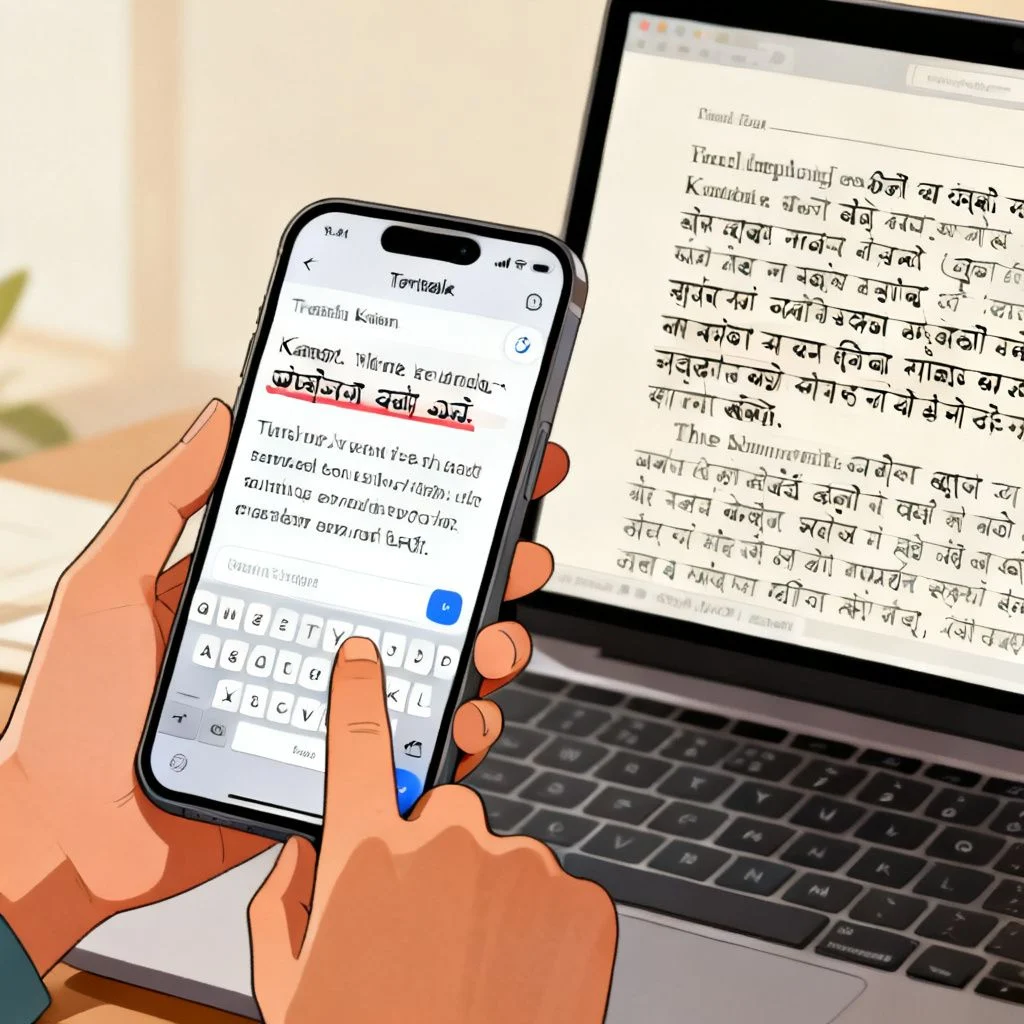
A web page is one thing. A PDF someone sent you by email is different. Google Translate handles documents too, and it is free for files up to 10MB. Go to the Google Translate website. Above the text box, click the “Documents” tab. Upload your PDF, Word file, or PowerPoint. Select English on the left, Kannada on the right, and click “Translate.” The service processes the file and gives you a download link for the translated version.
The formatting will not be perfect. Complex layouts with columns and images often shift around. But the text itself comes through accurately enough for reading purposes. For scanned documents or images with text, you need a different approach. Open the image in the Google Translate mobile app, point your camera at it, and the app overlays the Kannada translation in real time. That feature is surprisingly good for signs, printed forms, and book pages.
Pro Tip: If the PDF is larger than 10MB, split it into smaller files using any free PDF splitter tool first. Translate each part separately.
Mobile Translation for On-the-Go Reading
Translating a page on your phone feels different from doing it on a desktop. The Google Translate app for Android and iOS is the most reliable tool here. When you open a webpage in your mobile browser, tap the share icon and select the Google Translate app from the share sheet. The app pulls in the URL and translates the full page instantly.
On Android phones, Chrome’s built-in translation works the same way it does on desktop. Look for the translate bar at the bottom of the screen. On iPhones, Safari does not offer built-in Kannada translation yet. You will want to keep the Google Translate app installed for those moments when you need to read a full English article in Kannada on your iPhone.
A common frustration with mobile translation is that the script size can look too small. Pinch to zoom works on translated pages, but the layout sometimes breaks. If readability is a problem, switch to the Google Translate app’s reading mode, which strips away the website’s design and shows just the translated text in a clean, adjustable view.
Comparing Translation Methods at a Glance
Different situations call for different tools. Here is how the main options stack up.
| Method | Best For | Speed | Formatting Preservation | Cost |
|---|---|---|---|---|
| Chrome built-in translate | Quick web browsing | Instant | Good | Free |
| Google Translate website (URL) | Any browser, shared links | 5-10 seconds | Good | Free |
| Google Translate document upload | PDFs, Word files | 30-60 seconds | Fair | Free (under 10MB) |
| Google Translate mobile app | On-the-go reading, camera translation | Instant | Fair | Free |
| Professional human translation service | Legal documents, official certificates | 1-3 days | Excellent | Paid |
The free tools are great for understanding content. They are not perfect for publishing or official use. Machine translation between English and Kannada has improved a lot, but it still makes mistakes with idioms, culturally specific phrases, and complex sentence structures.
Getting Better Accuracy from Machine Translation
Kannada has a different sentence structure from English. English follows a Subject-Verb-Object pattern. Kannada uses Subject-Object-Verb. This structural difference means direct word-for-word translation often sounds unnatural. There are a few things you can do to help the machine get it right.
First, simplify the English source text before translating where possible. If you control the original content, break long sentences into shorter ones. Remove unnecessary jargon. The clearer the input, the better the output.
Second, use the “suggest an edit” feature in Google Translate when you spot errors. This trains the system for future translations and helps the broader Kannada-speaking community.
Third, for important documents, run the translated Kannada text back through the translator into English. This reverse translation shows you where the meaning might have shifted. It is not foolproof, but it catches big errors.
Pro Tip: If you are translating content for a business or public audience, hire a native Kannada speaker to review the machine translation. The cost is modest, and it prevents embarrassing mistakes that damage credibility.
When Free Tools Are Not Enough
There are situations where machine translation is the wrong tool entirely. Legal contracts, medical instructions, and official certificates need human translation. The reason is not just about accuracy. It is about liability. A mistranslated dosage instruction or a wrong date on an affidavit has real consequences.
For these cases, look for translators certified by organizations like the American Translators Association or India’s Central Institute of Indian Languages. Freelance platforms connect you with native Kannada speakers who specialize in technical translation. Expect to pay per word or per page. The rate varies by complexity, but a typical range for English to Kannada professional translation is similar to other Indian language pairs.
The process is straightforward. You upload the document, specify the language pair, and receive a translated file that preserves the original formatting. Most services offer a certificate of accuracy if you need it for official submission.
Key Takeaways
- Chrome’s built-in translate feature handles full English pages to Kannada in one click, with no extra software needed.
- The Google Translate website accepts URLs and uploaded documents, making it the most versatile free option across all browsers and devices.
- PDFs and Word files up to 10MB can be translated directly through Google Translate’s document tab, with formatting that is readable but not perfect.
- Mobile users should install the Google Translate app for seamless page translation on both Android and iOS.
- For legal, medical, or official documents, professional human translation is worth the cost because errors carry real risk.
Frequently Asked Questions
Q: Can I translate a full website from English to Kannada without copying text manually?
A: Yes. Use Google Chrome’s built-in translate feature or paste the website URL into translate.google.com. Both methods translate every page you visit on that site automatically.
Q: How accurate is Google Translate for English to Kannada?
A: It is accurate enough for general understanding of articles, emails, and web pages. For nuanced content like poetry, legal language, or technical documentation, expect some awkward phrasing and occasional meaning shifts.
Q: Does Safari on iPhone support Kannada page translation?
A: Not natively as of now. You can install the Google Translate app and use the share sheet to send any Safari page to the app for translation.
Q: Can I translate a scanned image or photo from English to Kannada?
A: Yes. Open the Google Translate mobile app, tap the camera icon, and point it at the text. The app overlays the Kannada translation on your screen in real time.
Q: What is the file size limit for Google Translate document translation?
A: The limit is 10MB per file. Supported formats include PDF, DOCX, PPTX, and XLSX.
Q: How do I translate a page from English to Kannada in Firefox?
A: Firefox does not have built-in Kannada translation. Copy the page URL, go to translate.google.com, paste the link, select English to Kannada, and click the translated link that appears.
Q: Will the formatting of my PDF stay the same after translation?
A: Not perfectly. Text-heavy PDFs retain most formatting, but documents with complex layouts, embedded images, or tables may shift. The translated text will be readable but may require manual adjustment.
Q: Is there an offline way to translate English to Kannada?
A: The Google Translate app allows you to download the Kannada language pack for offline text translation. Offline quality is slightly lower than online, but it works without an internet connection.
References & Further Reading
- Google Translate Help Center: Translate documents and websites , https://support.google.com/translate
- Google Chrome Help: Change Chrome languages and translate webpages , https://support.google.com/chrome/answer/173424
- Central Institute of Indian Languages: Kannada language resources , https://www.ciil.org
- American Translators Association: Guide to hiring professional translators , https://www.atanet.org/client-assistance/
—
About This Article: This guide was written based on hands-on testing of translation tools across desktop and mobile platforms, combined with research into machine translation best practices for Dravidian languages. The methods described here reflect the current state of free translation technology as of 2025. For professional translation needs, always consult a certified human translator.







