Learning how to translate Kannada to English can feel overwhelming at first, especially when you are staring at a sentence and the meaning just will not click. Maybe you are trying to read a news article from Bangalore, understand a WhatsApp message from a relative, or work through an official document. Whatever the reason, you want the translation to be accurate, not just a jumble of words that technically match but make no sense together.
The good news is that you have more reliable options now than ever before. The tricky part is knowing which method to use for your specific situation. A legal document needs a very different approach than a casual text message.
Quick Answer: For most everyday needs, Google Translate or Microsoft Translator handles basic Kannada to English translation well enough. For professional or nuanced content, combine a machine translation tool with manual review, or use a bilingual dictionary like Shabdkosh to verify specific words.
Why Kannada to English Translation Is Tricky
Kannada does not follow the same sentence structure as English. In English, we typically use Subject-Verb-Object order. Kannada uses Subject-Object-Verb. That means a direct word-for-word swap produces gibberish.
A simple example: “Naanu manege hoguttene” literally translates word by word as “I home go.” The actual English meaning is “I am going home.” The verb lands at the end, and the preposition gets baked into the noun form. If you have ever pasted a long Kannada sentence into a translator and gotten back something that looked like a puzzle with the pieces in the wrong order, that structural difference is exactly why.
Another challenge is the script. Kannada uses an abugida writing system where consonant and vowel combinations create distinct characters. There are 49 basic characters, and the total set including all combinations runs into the hundreds. Optical character recognition for Kannada has improved, but it still makes more errors than OCR for Latin-script languages.
Cultural context matters too. Kannada has layered registers of formality, and words shift meaning based on the relationship between speakers. The word “banni” can mean “come” in a respectful way or simply function as a welcoming invitation. A machine might miss that nuance entirely.
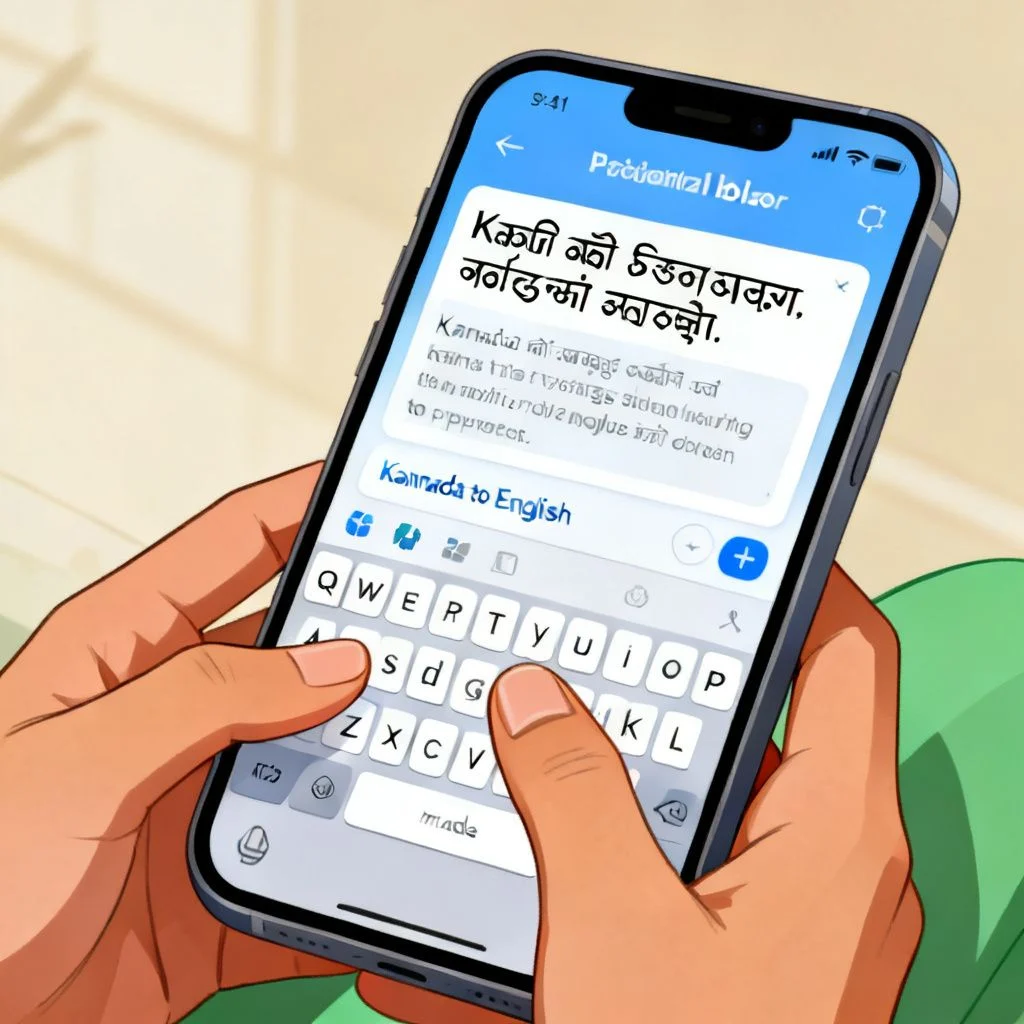
How to Translate Kannada to English Using Apps and Tools
When you need speed over perfection, apps get the job done. Here is how the major options stack up for Kannada specifically.
| Tool | Best For | Limitations | Offline Support |
|---|---|---|---|
| Google Translate | General text, short phrases, live camera translation | Struggles with literary Kannada and complex sentences | Yes (download language pack) |
| Microsoft Translator | Conversational translation, real-time speech | Smaller Kannada training dataset than Google’s | Yes |
| Shabdkosh (online dictionary) | Single word lookups, understanding multiple meanings | Not for full sentences or paragraphs | No |
| Kannada-English Dictionary by Nudi | Technical and academic vocabulary | Outdated interface, requires Kannada typing | Yes (app version) |
Pro Tip: When using Google Translate for Kannada, type the Kannada text yourself rather than relying on handwriting input or camera scanning. The character recognition for handwritten Kannada still produces enough errors to throw off the entire translation. If you cannot type in Kannada, use the English-to-Kannada transliteration keyboard and then reverse the translation direction.
The camera translation feature in Google Translate works surprisingly well for printed signs and menus. Hold your phone up to the text, and the app overlays the English translation in real time. It is not perfect, but it gives you the gist fast.
Microsoft Translator handles speech better in my experience, especially for the Dharwad and coastal Karnataka dialects that Google sometimes misinterprets. The app lets two people have a conversation with the phone between them, translating back and forth.
For single words where you need precision, skip the big apps and go straight to Shabdkosh. It shows you the multiple possible meanings of a Kannada word, the part of speech, and example sentences. That context prevents the kind of mistake where you pick the first dictionary definition and end up with nonsense.
The Step-by-Step Manual Translation Method
When the text matters, a hybrid approach works best. Machine translation gives you a rough draft. Then you refine it manually. Here is the process I recommend.
- Read the entire Kannada passage first. Get the overall topic and tone before you touch a single word. This prevents you from losing the forest for the trees.
- Break the passage into individual sentences. Kannada uses the ” । ” symbol (called a danda) as a full stop. Split at those markers. Long compound sentences in Kannada often work better as two or three shorter English sentences.
- Identify the main verb in each sentence. Remember, it will be at the end in Kannada. Find that verb first, because everything else in the sentence orients around it.
- Run the sentence through a translation tool. Use Google Translate or Microsoft Translator. This is your draft, not your final answer.
- Check the subject and object placement. The machine often flips them. Make sure the person or thing performing the action ends up as the subject in your English sentence.
- Look up any words that seem odd in context. Use Shabdkosh or a similar dictionary. The machine might have picked the wrong sense of a word with multiple meanings.
- Read your English sentence out loud. Does it sound like something a human would actually say? If not, rewrite it until it does.
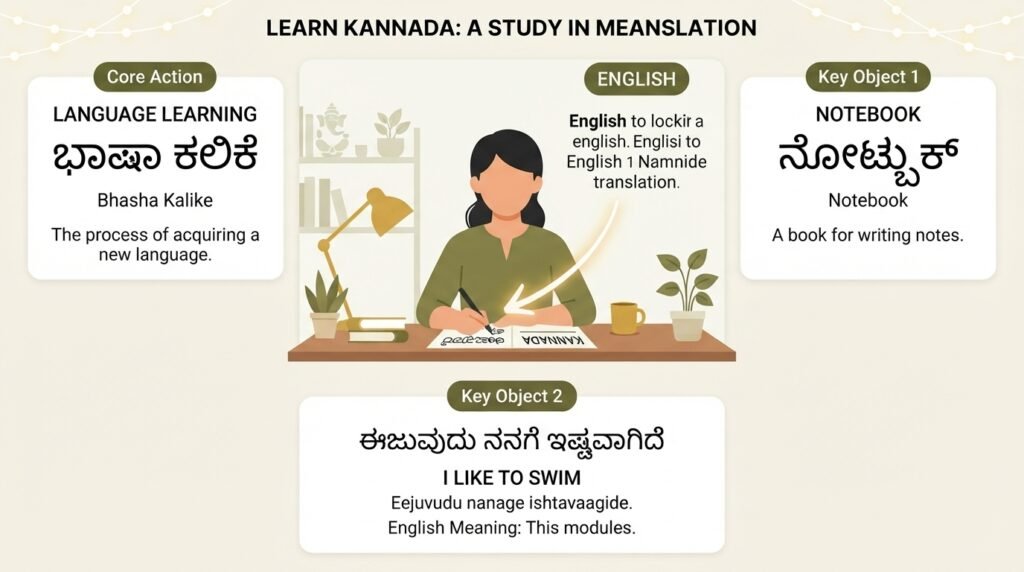
Pro Tip: Keep a small notebook or digital document of “false friend” words that you encounter repeatedly. For example, the Kannada word “hosa” means “new,” but beginners sometimes confuse it with similar-sounding words. Building your own reference list speeds up future translations dramatically.
Common Mistakes and How to Avoid Them
Even experienced translators trip up on certain patterns. Knowing what to watch for saves you hours of confusion.
Assuming every Kannada word has an exact English equivalent. It does not work that way. The Kannada word “samsara” can mean family, household, or the worldly life depending on context. There is no single English word that captures all of that. You have to choose the meaning that fits the specific sentence.
Ignoring honorifics and formality markers. Kannada uses plural forms to show respect even when referring to a single person. If a sentence uses “avaru” (they/he/she respectful) instead of “avanu” (he casual), the English translation should reflect that respect, perhaps by using a title or a more formal tone.
Translating idioms literally. “Kai kottu” literally means “give hand,” but it actually means “to help” or “to lend a hand.” A machine might translate it as the literal version. You need to recognize the idiom and substitute the English equivalent.
Forgetting that Kannada often drops the subject. When the subject is obvious from context, Kannada speakers omit it. English requires the subject to be stated. If a sentence starts with a verb and no visible subject, you need to infer who is acting and add “he,” “she,” “it,” or “they” to your English version.
When to Hire a Professional Translator
Some situations call for a human expert, no matter how good the tools have become. Legal contracts, medical records, academic transcripts, and marketing copy all fall into this category. The cost of a mistranslation in these contexts far exceeds the cost of hiring a professional.
Look for translators certified by organizations like the American Translators Association or those with documented experience in Kannada-English pairs. Rates typically range from $0.10 to $0.25 per word for professional Kannada to English translation, depending on the subject matter complexity and turnaround time.
For official documents that require notarization or government submission, always use a certified translator. Machine translation is not accepted by USCIS, court systems, or most university admissions offices.
Pro Tip: If you must use a machine translation for a sensitive document as a starting point, remove any personally identifiable information first. Translation tools store and learn from the text you input, which creates a privacy risk you probably do not want to take with legal or medical documents.
Key Takeaways
- Kannada to English translation requires reordering sentence structure because Kannada places verbs at the end while English places them after the subject.
- Google Translate and Microsoft Translator work well for casual, short-form content but struggle with literary, legal, or culturally nuanced text.
- A hybrid method that combines machine translation with manual review produces the most reliable results for important documents.
- Single-word lookups belong on Shabdkosh or a dedicated dictionary, not in a full-sentence translation tool.
- Professional human translators remain essential for legal, medical, and official documents where accuracy has real-world consequences.
Frequently Asked Questions
Q: Is Google Translate accurate for Kannada to English translation?
A: Google Translate handles basic conversational Kannada reasonably well, with accuracy rates generally higher for short, simple sentences than for complex or literary text. It performs best when the input Kannada uses standard spelling and grammar. Dialect-heavy or poetic content often produces garbled English output that requires manual correction.
Q: How can I translate a Kannada PDF document to English?
A: First, extract the text from the PDF using an OCR tool that supports Kannada script, such as Google Drive’s built-in OCR or Adobe Acrobat’s Kannada language pack. Then paste the extracted text into a translation tool. Expect OCR errors, especially with older or poorly scanned documents. Review the extracted Kannada text before translating it.
Q: What is the best offline method to translate Kannada to English?
A: Download the Google Translate Kannada language pack for offline use on your phone. For dictionary-level lookups without internet, the Nudi Kannada-English Dictionary app works offline. Both options let you translate without a data connection, which is useful when traveling in Karnataka or when you have limited mobile data.
Q: Why does my Kannada translation sound unnatural in English?
A: Kannada and English have fundamentally different sentence structures. Kannada uses Subject-Object-Verb order while English uses Subject-Verb-Object. Machine translators sometimes preserve the original word order, producing stilted results. Reading the output aloud and rearranging the words into natural English order fixes most awkwardness.
Q: Can I translate spoken Kannada to English in real time?
A: Yes. Microsoft Translator and Google Translate both offer real-time speech translation for Kannada. Speak into the phone and the app displays the English translation. Accuracy depends on background noise, speaker clarity, and dialect. The feature works better for standard Bangalore Kannada than for regional variations.
Q: How do I translate Kannada text from an image?
A: Open the Google Translate app, tap the camera icon, and point your phone at the Kannada text. The app overlays the English translation on your screen. For saved images, use the import function within the same camera feature. Clean, well-lit images with printed text produce the best results.
Q: What are the most common errors in machine translation of Kannada?
A: The most frequent errors include: verb placement at the end of English sentences instead of after the subject, incorrect resolution of dropped pronouns, literal translation of idioms, and mixing up the multiple meanings of polysemous words. Manual review catches and corrects these systematic errors.
Q: How long does it take to learn to translate Kannada to English without tools?
A: Reaching basic translation competency for simple texts typically takes 6 to 12 months of consistent study. Achieving professional-level translation ability requires several years of immersion in both languages. The Kannada script adds an extra learning curve for those unfamiliar with abugida writing systems.
References & Further Reading
- Google Translate Kannada Language Support, Official documentation on supported features for Kannada, including offline packs and camera translation.
- Shabdkosh Kannada-English Dictionary, Free online resource for single-word lookups with multiple meaning listings and usage examples.
- Central Institute of Indian Languages, Kannada Resources, Academic materials on Kannada grammar, script, and dialectal variation maintained by the Indian government’s language research body.
- Microsoft Translator Language Support, Current list of features available for Kannada, including speech and conversation mode.
—
About This Article
This guide was written based on practical experience working with Kannada-English language pairs across casual, professional, and technical contexts. The tool recommendations reflect hands-on testing of current versions as of writing. Translation methods described here align with practices recommended by professional translator associations and language educators who work specifically with Dravidian languages.