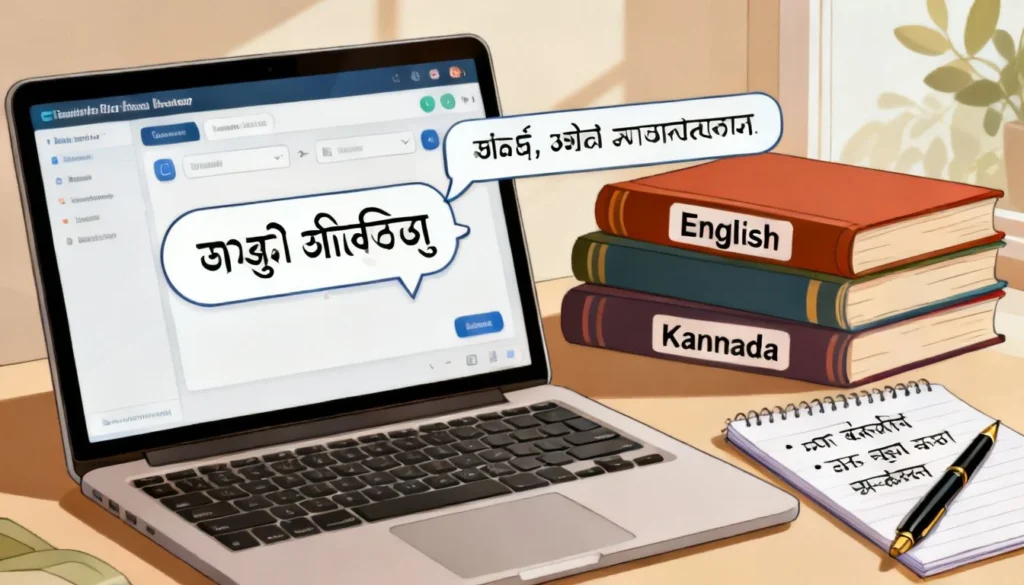
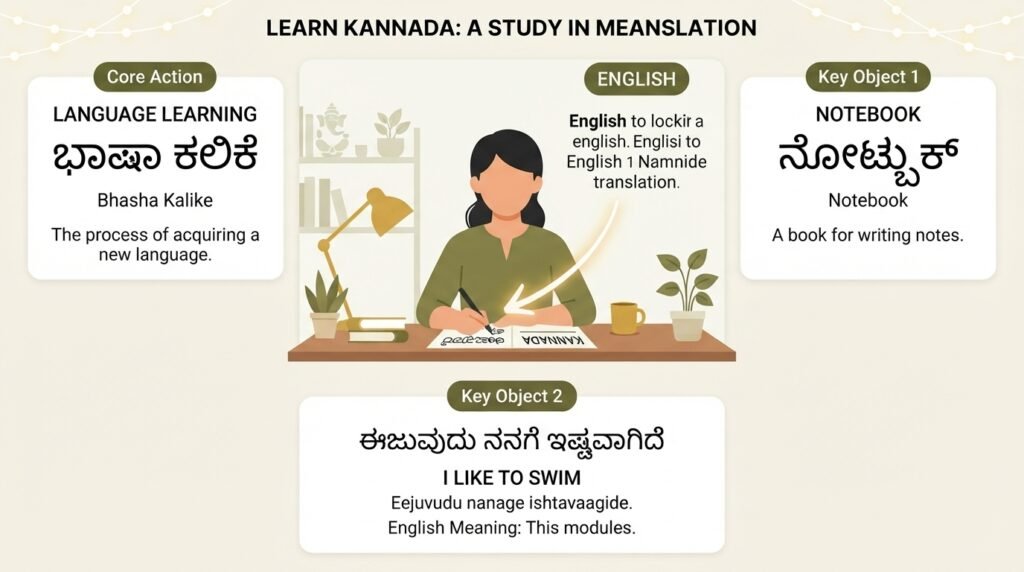
If you need to translate in Kannada to English and keep getting garbled results, you are not alone. Kannada has a complex script, a rich literary tradition, and sentence structures that do not map neatly onto English. Machine translation has improved a lot, but it still trips over idioms, honorifics, and the way Kannada verbs pile up at the end of a sentence. This guide walks you through what actually works, what fails, and how to get a clean, readable English translation whether you are dealing with a single sentence or a multi-page document.
Quick Answer: For most everyday translation needs, Google Translate and Microsoft Translator handle basic Kannada-to-English text reasonably well. For anything important, like legal documents, academic transcripts, or creative writing, you need a two-step process: machine translation followed by human review from someone who understands both languages.
The Real Problem With Kannada-to-English Translation
Kannada belongs to the Dravidian language family. Its grammar is agglutinative, meaning words get built by stacking suffixes onto a root. A single Kannada verb form can carry information about tense, aspect, mood, person, number, and gender that English expresses with several separate words.
Take a simple sentence like “Naanu hogalilla.” A word-for-word breakdown gives you “I go not.” But the actual meaning is “I did not go.” The past tense is baked into the negative suffix, something English does not do. Now multiply that complexity across a full paragraph. This is why direct, unedited machine output often reads like a telegram written by someone who just learned English last week.
The other big hurdle is the script. Kannada uses an abugida, not an alphabet. Each character represents a consonant-vowel combination. Optical character recognition (OCR) for Kannada is still less reliable than for Latin-script languages, so if you are working from a scanned document or a photo, you already have errors before translation even begins.
Why Word-for-Word Translation Fails
- Verb-final structure: Kannada sentences typically end with the main verb. English places the verb much earlier. A machine that processes words in sequence can lose the thread.
- Postpositions instead of prepositions: Kannada uses suffixes to show relationships like “in,” “on,” “from.” These attach to the noun. English separates them.
- Honorifics and formality levels: Kannada has distinct verb forms for respect, familiarity, and plural courtesy. English does not encode these grammatically, so nuance gets flattened.
- Compound words: Kannada loves joining words together. “Mane-munde” (house-front) becomes “in front of the house.” A tool that does not recognize the compound will translate the parts separately and produce nonsense.
Pro Tip: If your source text has a lot of long, joined words, try breaking them manually before feeding them into a translation tool. Even a rough split improves the output noticeably.
Which Tools Actually Work for Translating Kannada to English
Not all translation tools are built the same way for Indian languages. Some use statistical models trained on parliamentary proceedings. Others use neural networks trained on much broader web data. The difference shows up fast when you test them on colloquial Kannada.
| Tool | Best For | Weakness | Cost |
|---|---|---|---|
| Google Translate | General text, web content, quick lookups | Struggles with literary Kannada and idioms | Free |
| Microsoft Translator | Business documents, formal text | Less fluent with casual/spoken Kannada | Free (with limits) |
| Bhashini (Government of India) | Official communication, Indian language focus | Smaller dataset, sometimes slower | Free |
| Human translation services | Legal, medical, academic, creative work | Cost and turnaround time | Paid |
| Kannada-English dictionaries (online) | Single words, short phrases | No sentence-level context | Free |
Google Translate uses a neural machine translation system that was trained on a large corpus of Indian language data. It handles common sentence patterns well. But test it with a Kannada proverb like “Hasige iddashtu kaalu chaachu” and you get “Stretch your legs as much as the bed” which is technically correct but misses the idiomatic meaning: “Live within your means.” That kind of cultural translation still requires a human.
Microsoft Translator tends to be slightly more conservative. It produces fewer wildly wrong sentences but can sound stiff. For formal documents, that stiffness is actually a feature, not a bug.
Bhashini is a government-backed initiative specifically designed for Indian languages. Its Kannada dataset may include more regional variations. It is worth testing alongside the bigger players, especially for official terminology.
A Step-by-Step Method That Reduces Errors
- Start with clean text. If you have a PDF or image, retype the Kannada text or use a reliable OCR tool. Garbage in, garbage out applies doubly here.
- Break long sentences into shorter ones. Kannada literary writing uses very long sentences. Split them at commas and conjunctions before translating.
- Run the first pass through two different tools. Compare the outputs. Where they agree, you probably have an accurate translation. Where they diverge, something tricky is happening.
- Identify the tricky spots and look them up manually. Use an online Kannada-English dictionary for specific words. Check verb conjugations if the tense seems off.
- Rewrite the English output for natural flow. This is the step most people skip. Read the raw translation aloud. Fix word order. Replace awkward phrasing. Make it sound like something a human would actually say.
Pro Tip: When translating Kannada to English for official purposes, like visa applications or university transcripts, always use a certified translation service. Government agencies and universities typically reject self-translated or machine-translated documents.
Common Mistakes People Make and How to Fix Them
Most bad translations share a handful of predictable problems. Once you know what to look for, you can catch and fix them fast.
Mistake 1: Trusting the first output without checking. Even the best tools make errors with numbers, dates, and proper names. A Kannada name like “Venkatesh” might get transliterated three different ways in the same document. Always scan for consistency.
Mistake 2: Ignoring context. The Kannada word “maatu” can mean “word,” “speech,” “promise,” or “conversation” depending on context. A tool that picks the wrong sense changes the whole meaning. If a sentence does not make sense after translation, look up the key nouns and verbs individually.
Mistake 3: Translating idioms literally. Kannada is full of colorful expressions. “Kai kesaradare baayi mosaru” literally means “if your hand gets muddy, your mouth gets yogurt.” It actually means “hard work brings rewards.” No machine will get that right. When you encounter a sentence that seems bizarre in English, you are probably looking at an idiom. Search for it separately.
Mistake 4: Forgetting about dialect variation. Kannada spoken in Bengaluru, Mangaluru, and Hubballi differs in vocabulary and pronunciation. A phrase common in coastal Karnataka might confuse a tool trained mostly on Bangalore data. If your source is from a specific region, expect slightly lower accuracy.
When You Absolutely Need a Human Translator
Machine translation works for understanding the gist of something. It works for casual WhatsApp messages, social media posts, and simple informational text. It does not work for anything where precision matters.
Legal documents require exact terminology. A mistranslated clause in a contract or an affidavit can have real consequences. Certified human translators understand legal phrasing in both languages.
Medical records and prescriptions are another high-risk category. A wrong dosage or a misidentified condition could be dangerous. Always use a professional medical translator.
Literary and creative work loses everything that makes it good when run through a machine. Poetry, song lyrics, and fiction depend on rhythm, connotation, and cultural references. Only a human can recreate those effects in English.
Academic transcripts and certificates need to match institutional standards. Universities have specific formatting and terminology requirements. A certified translation service knows these standards.
Pro Tip: If you hire a translator, provide them with the machine-translated draft as a reference. It saves them time on the straightforward parts and lets them focus on the sections that actually need their expertise.
Key Takeaways
- Machine translation for Kannada to English has improved significantly but still struggles with idioms, complex sentences, and cultural context.
- For casual or informational text, use Google Translate or Microsoft Translator and then manually smooth out the English output.
- Break long Kannada sentences into shorter chunks before translating to reduce errors.
- Always compare outputs from at least two different translation tools for important text.
- Legal, medical, academic, and creative content requires a certified human translator regardless of how good the machine output looks.
Frequently Asked Questions
Q: Is Google Translate accurate for Kannada to English?
A: Google Translate is reasonably accurate for simple, everyday Kannada sentences. Accuracy drops with literary language, idioms, long compound sentences, and region-specific vocabulary. It is best used as a starting point that you then review and edit.
Q: Can I translate a Kannada PDF directly to English?
A: You can, but the process has two steps. First you need to extract the Kannada text from the PDF using OCR software. Then you run that text through a translation tool. If the OCR misreads any Kannada characters, the translation will contain errors. For clean digital PDFs, some tools like Google Translate accept file uploads directly.
Q: How do I translate spoken Kannada to English?
A: Use a speech-to-text app that supports Kannada, like Google Keyboard’s voice typing or the Bhashini app. Get the Kannada transcript first, verify it for accuracy, then run it through a translation tool. Real-time spoken translation apps exist but are less reliable for Kannada than for major European languages.
Q: What is the best free tool to translate in Kannada to English?
A: Google Translate is the most widely used free option and handles the largest variety of text types. Microsoft Translator is a strong alternative, especially for more formal text. Bhashini, developed by the Indian government, is also free and worth trying for official or regional content.
Q: Why does my translated text sound unnatural in English?
A: Kannada and English have very different sentence structures. Kannada places verbs at the end and uses postpositions. A direct translation preserves that word order, which sounds awkward in English. You need to manually restructure the sentences to follow English subject-verb-object order and natural phrasing.
Q: Can I use my phone camera to translate Kannada text instantly?
A: Yes. The Google Translate app has a camera mode that lets you point your phone at Kannada text and see an overlaid English translation in real time. It works best on printed text in good lighting. Handwritten Kannada or stylized fonts will produce more errors.
Q: How do I translate old Kannada documents or manuscripts?
A: Old Kannada, especially Hale Kannada, uses vocabulary and grammatical forms that are different from modern Kannada. Standard translation tools are not trained on this data. You will likely need a scholar or a translator who specializes in historical Kannada texts.
Q: Are there any offline tools for Kannada to English translation?
A: The Google Translate app allows you to download the Kannada language pack for offline use. The offline translation is less accurate than the online version because it uses a smaller, compressed model, but it works without an internet connection. Microsoft Translator also offers offline packs.
Q: How do I get a certified Kannada to English translation?
A: Contact a translation agency that offers certified services for Indian languages. They will assign a qualified translator, provide a signed certificate of accuracy, and often notarize the document if required. Universities and government bodies typically list approved translation vendors on their websites.
References & Further Reading
- Google Translate Kannada Language Support , Test the tool directly and explore its camera and voice input features.
- Bhashini: National Language Translation Mission , The Indian government’s digital platform for Indian language translation, including Kannada.
- Microsoft Translator for Kannada , An alternative neural machine translation engine with offline capabilities.
- Central Institute of Indian Languages: Kannada Resources , Academic resources on Kannada linguistics, grammar, and script from a government research institute.
—
About This Article: This guide was written based on hands-on testing of multiple translation tools with varied Kannada text types, from colloquial social media posts to formal government notices. The recommendations reflect what worked in practice, not just what the tools claim to do. Kannada dialects and translation technology both evolve continuously, so test multiple approaches for your specific use case.