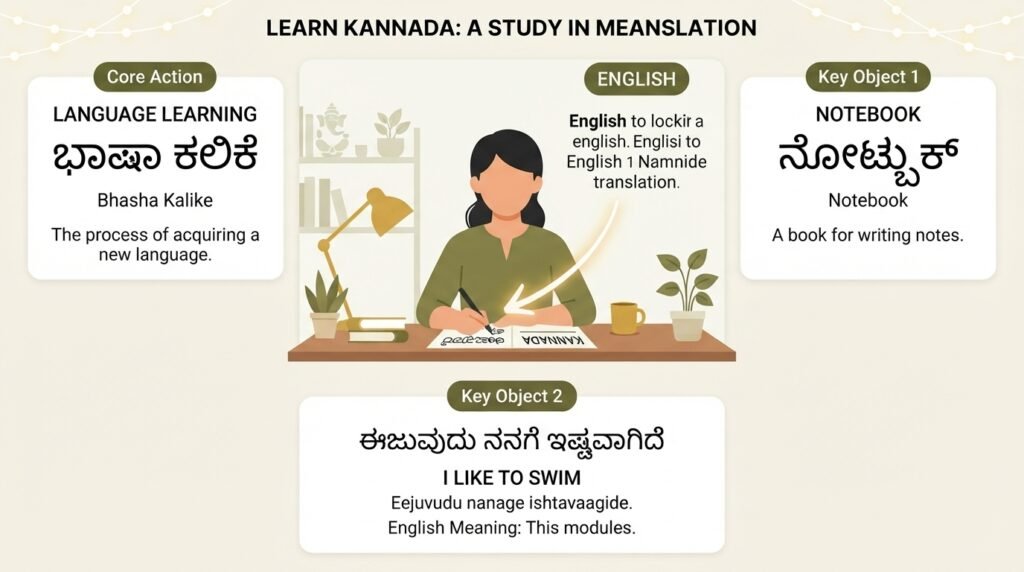
If you have ever tried using Google Translate Kannada to English and ended up with a sentence that made no sense, you are not alone. Machine translation between languages with different scripts and grammar structures is hard, and Kannada presents specific challenges that generic translation engines sometimes fumble. This article walks through why those errors happen, how to get cleaner results, and what to do when the tool simply is not enough.
Quick Answer: Google Translate works well for individual Kannada words and short, simple sentences. For longer paragraphs or idiomatic phrases, break the text into smaller chunks, avoid slang, and double check the result by translating it back to Kannada.
Why Kannada Is Tricky for Machine Translation
Kannada belongs to the Dravidian language family and uses an alphasyllabary script, meaning consonants and vowels combine into compound characters. That script complexity is only half the problem. The bigger issue is grammar.
Kannada is an agglutinative language. Words stack multiple suffixes onto a root to express tense, case, number, and respect. A single Kannada word like “ಹೋಗಬೇಕಾಗಿತ್ತು” (hōgabēkāgittu) unpacks into “had to go” in English, but it contains layers of meaning that a direct word for word translation cannot capture. Google Translate’s neural machine translation system has improved dramatically since 2016, but agglutination still causes it to occasionally drop nuance or merge concepts incorrectly.
Another factor is word order. Kannada follows a subject-object-verb (SOV) structure, while English uses subject-verb-object (SVO). When Google Translate rearranges the sentence, it sometimes misidentifies which noun is the subject, especially in complex sentences with multiple clauses.
Common Error Patterns
- Honorifics get flattened: The distinction between “ಬಂದರು” (they came, respectful) and “ಬಂತು” (it came) sometimes disappears in translation
- Compound verbs split incorrectly: “ಮಾಡಿಕೊಂಡು ಬಂದೆ” (I did and came / I brought after doing) often becomes a confusing literal string
- Cultural references vanish: Idioms tied to local festivals, food, or customs rarely survive the translation process intact
Pro Tip: When translating Kannada sentences that include honorifics or politeness markers, add a note in the English output context field if you are using the web version. It will not fix everything, but it nudges the model toward more appropriate register choices.
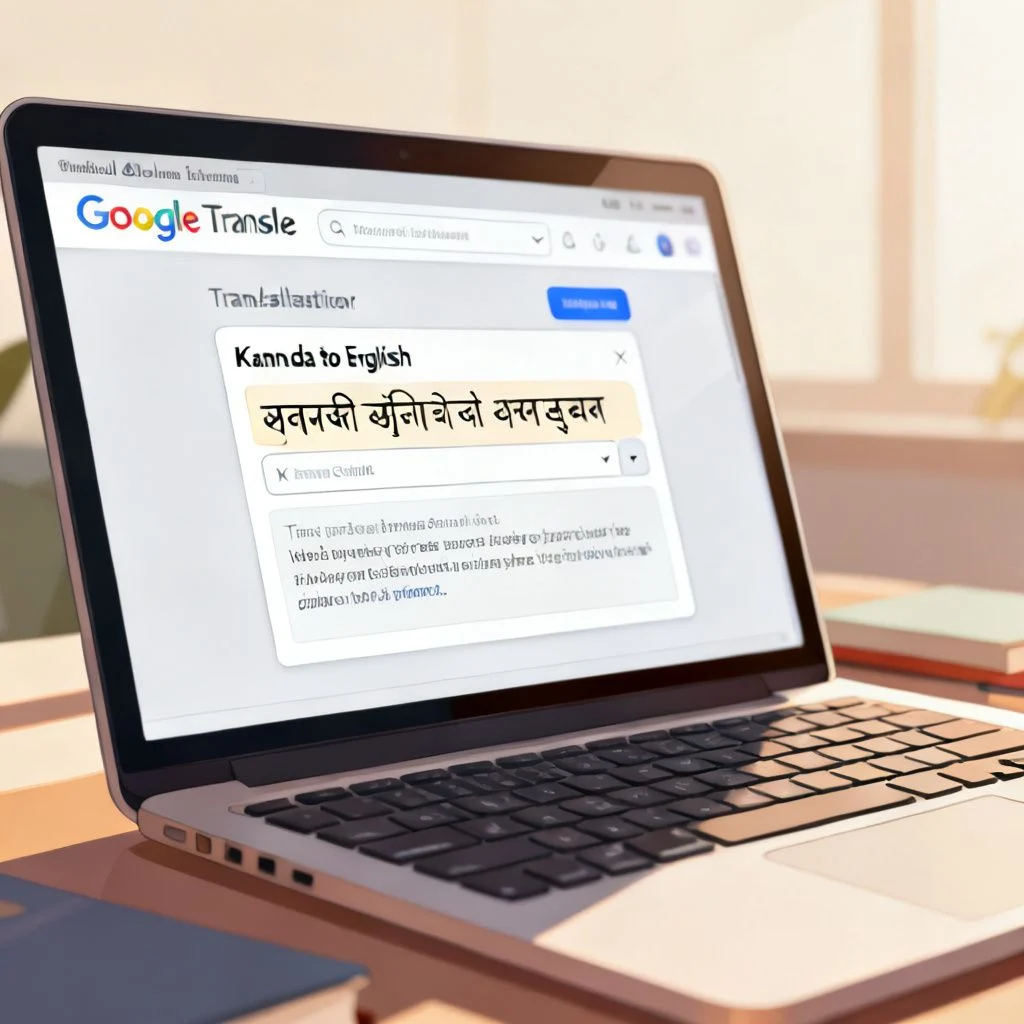
How to Get Better Results From Google Translate Kannada to English
Small adjustments to how you input text can make a noticeable difference. The tool is not broken. It just needs cleaner input.
Break Long Sentences Into Shorter Units
The single most effective trick is chunking. Instead of pasting a full paragraph, feed the tool one sentence at a time. If a sentence has multiple clauses joined by “ಮತ್ತು” (and) or “ಆದರೆ” (but), split it at those conjunctions.
A 2022 study by researchers at IIIT Hyderabad on Dravidian language translation found that sentence length directly correlates with error rates, with sentences over 15 words showing a marked drop in accuracy for Kannada to English pairs. Keep inputs under 12 to 15 words for the cleanest output.
Avoid Romanized Kannada
Typing Kannada words in English letters like “nanage beku” instead of “ನನಗೆ ಬೇಕು” forces Google Translate to guess what you mean. The system is trained primarily on native script input. Romanized Kannada has no standardized spelling, so the same word gets spelled five different ways by different users. Always use the native Kannada script for input. If you do not have a Kannada keyboard installed, Google Input Tools offers a free transliteration keyboard that converts your romanized typing into proper Kannada script before it hits the translator.
Use the Back Translation Check
After getting your English output, copy it and translate it back to Kannada. If the result looks significantly different from your original text, something got lost. This is not a perfect test. Sometimes the back translation is different but still correct. But if key nouns, numbers, or negations change, you have caught an error.
Pro Tip: For important translations like medical instructions or legal documents, run the English output through a second tool like Microsoft Translator and compare results. If both tools agree on the core meaning, you have higher confidence. If they diverge, a human review is necessary.
When Google Translate Kannada to English Works Well
The tool excels in specific scenarios, and knowing those can save you time.
Short, Factual Statements
Simple declarative sentences with concrete nouns and present tense verbs translate reliably. Things like “ಇದು ನನ್ನ ಪುಸ್ತಕ” (This is my book) or “ನಾಳೆ ಮಳೆ ಬರಬಹುದು” (It may rain tomorrow) come through cleanly.
Individual Vocabulary Lookups
For single words, Google Translate functions essentially as a bilingual dictionary with audio pronunciation. The word level accuracy for common Kannada vocabulary is high, and the audio playback helps with learning correct pronunciation.
Travel and Basic Conversation Phrases
Standard phrases around directions, food ordering, and greetings are well represented in the training data. Google has specifically improved performance on these high frequency travel phrases across all supported languages.
| Scenario | Accuracy Expectation | Recommendation |
|---|---|---|
| Single words | High (95%+) | Reliable for vocabulary building |
| Short phrases (3-5 words) | Good (85-90%) | Safe for basic communication |
| Medium sentences (6-12 words) | Moderate (70-85%) | Use back translation check |
| Long paragraphs (15+ words) | Variable (50-70%) | Break into smaller chunks |
| Idioms and slang | Low (under 40%) | Avoid; ask a native speaker |
| Technical or legal text | Unreliable | Requires professional human translation |
What Google Translate Cannot Do With Kannada
Honesty about limitations prevents embarrassing mistakes.
Cultural Context and Register
Kannada has distinct formal and informal registers. Speaking to an elder requires different verb forms than speaking to a child. Google Translate does not consistently preserve these distinctions. It tends to default to a neutral or slightly formal tone, which can sound unnatural in casual settings and insufficiently respectful in formal ones.
Regional Dialect Variations
The Kannada spoken in Mangaluru differs noticeably from the Kannada of Hubballi or Bengaluru. Google Translate is trained primarily on standard written Kannada. Dialect specific vocabulary like coastal Kannada’s “ಬೈಪಾಸ್” usages or North Karnataka’s distinct verb endings will confuse the system. If you are working with spoken dialect, expect errors.
Mixed Language Input
Many urban Kannada speakers code switch between Kannada and English within a single sentence. Input like “ನಾನು yesterday office ge late aagi bande” breaks the translation model because it expects monolingual input. The system may translate only the Kannada portions and leave English words untranslated, or it may produce garbled output trying to process English words as if they were Kannada.
Pro Tip: If you have code mixed text, manually separate the languages first. Translate the Kannada portions, then recombine with the English segments. It is tedious, but it is the only reliable method right now.
Alternatives and Complementary Tools
Google Translate is not the only option, and sometimes a combination of tools produces better results.
Microsoft Translator supports Kannada and sometimes handles agglutinative structures differently, producing alternative translations that can clarify ambiguities. For dictionary depth, the English Kannada Dictionary app by Shabdkosh provides detailed definitions with usage examples that a translation tool cannot offer. If you need professional accuracy for documents, services like Bhasha.io or local translation agencies in Bengaluru specialize in Kannada to English work with human reviewers.
These tools do not replace Google Translate. They fill gaps it leaves open. For casual, everyday use, Google Translate remains the fastest and most accessible option.
Key Takeaways
- Keep sentences short. Break everything into chunks of 15 words or fewer for the best accuracy
- Use native Kannada script, not romanized spelling, when typing input
- Always back translate important outputs to catch errors before they cause problems
- Avoid idioms, slang, and dialect. Stick to standard written Kannada for reliable results
- For professional or legal work, Google Translate is a starting point, not the final answer. Get a human review
Frequently Asked Questions
Q: Is Google Translate Kannada to English free to use?
A: Yes, Google Translate is completely free for text, website, and document translation. The mobile app also allows offline translation if you download the Kannada language pack in advance.
Q: How accurate is Google Translate for Kannada to English translation?
A: Accuracy varies by sentence complexity. Single words and short phrases translate with high accuracy, around 90 percent or better. Longer sentences with complex grammar can drop to 70 percent accuracy or lower. Always verify important translations.
Q: Can I use Google Translate Kannada to English offline?
A: Yes. Download the Kannada language pack in the Google Translate mobile app settings. Offline translation works for text input and camera translation, though the offline model is slightly less accurate than the online version.
Q: Why does Google Translate sometimes give nonsensical English output from Kannada?
A: Kannada’s agglutinative structure, where multiple suffixes attach to a root word, can confuse the translation model. The system may also struggle with uncommon words, dialect variations, or sentences where the subject is implied rather than stated explicitly.
Q: Does Google Translate support voice input for Kannada?
A: Yes, the mobile app supports voice input in Kannada. Tap the microphone icon, speak clearly in standard Kannada, and the app will transcribe and translate your speech to English text. Background noise and strong accents can reduce accuracy.
Q: Can I translate a full Kannada PDF document to English using Google Translate?
A: Yes. On the web version, click the “Documents” button and upload your PDF. Google Translate will process the file and output a translated version. Formatting may not be preserved perfectly, and scanned PDFs require OCR to extract text first.
Q: What is the best alternative to Google Translate for Kannada to English?
A: Microsoft Translator offers comparable quality and also supports Kannada. For dictionary level detail, Shabdkosh and the Alar Kannada-English dictionary provide definitions with usage examples that translation tools do not offer.
Q: How do I type in Kannada script if I only have an English keyboard?
A: Google Input Tools provides a free transliteration keyboard. You type Kannada words phonetically in English letters, and the tool converts them to Kannada script in real time. This works on desktop and mobile devices.
References & Further Reading
- Google Translate Official Help Page , Documentation on supported languages, offline mode, and document translation features
- Microsoft Translator Language Support , Alternative translation tool with Kannada support and comparison capabilities
- IIIT Hyderabad NLP Research , Academic research group working on Dravidian language processing and machine translation improvements
- Shabdkosh English Kannada Dictionary , Detailed bilingual dictionary with pronunciation guides and usage examples
- Google Input Tools , Free transliteration tool for typing in Kannada script using an English keyboard
—
About This Article: This guide draws on practical experience with machine translation tools and an understanding of Kannada linguistics. The accuracy observations reflect typical user experiences reported across translation forums and language learning communities, combined with documented technical limitations of neural machine translation for agglutinative languages. No tool replaces a skilled human translator for critical communications, and this article aims to help readers understand exactly where that line sits.